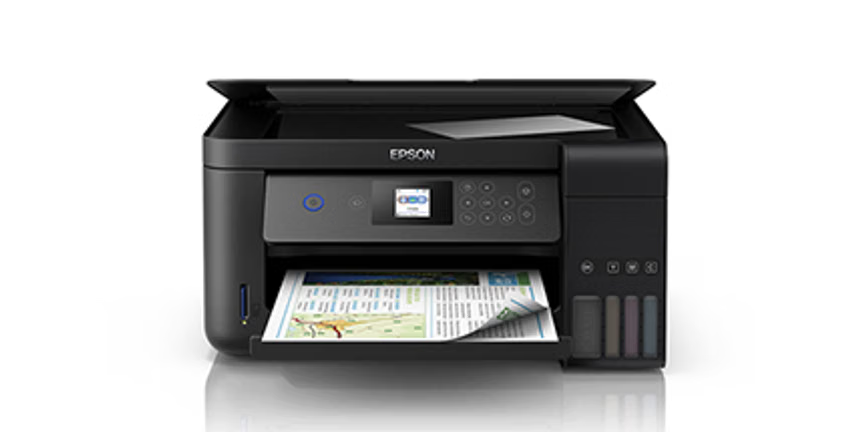
Imagem do Reset Epson L4260 com software vitalício e videoaula passo a passo Deal
ResetDisponívelEpsonResetEpsonL4260Lifetime softwareVideo lessonSupport if neededDigital product

EPSON L4260 Reset

Models: L4260

Epson L4260 reset with step-by-step video lesson, lifetime software, and PrinterHelp support if needed to assist with the procedure.

R$ 50,00
R$ 25,00
oferta≈ $4.63 (charged in Brazilian reais)

Produto digital. O acesso é enviado por e-mail após a confirmação do pagamento. Não existe entrega física ou cobrança de frete.

Garantia de 7 dias — ver política de reembolso.

Bonus: Student access to the PrinterHelp Hub — technical forum with 6 mil+ students sharing printer questions and solutions.

About this product

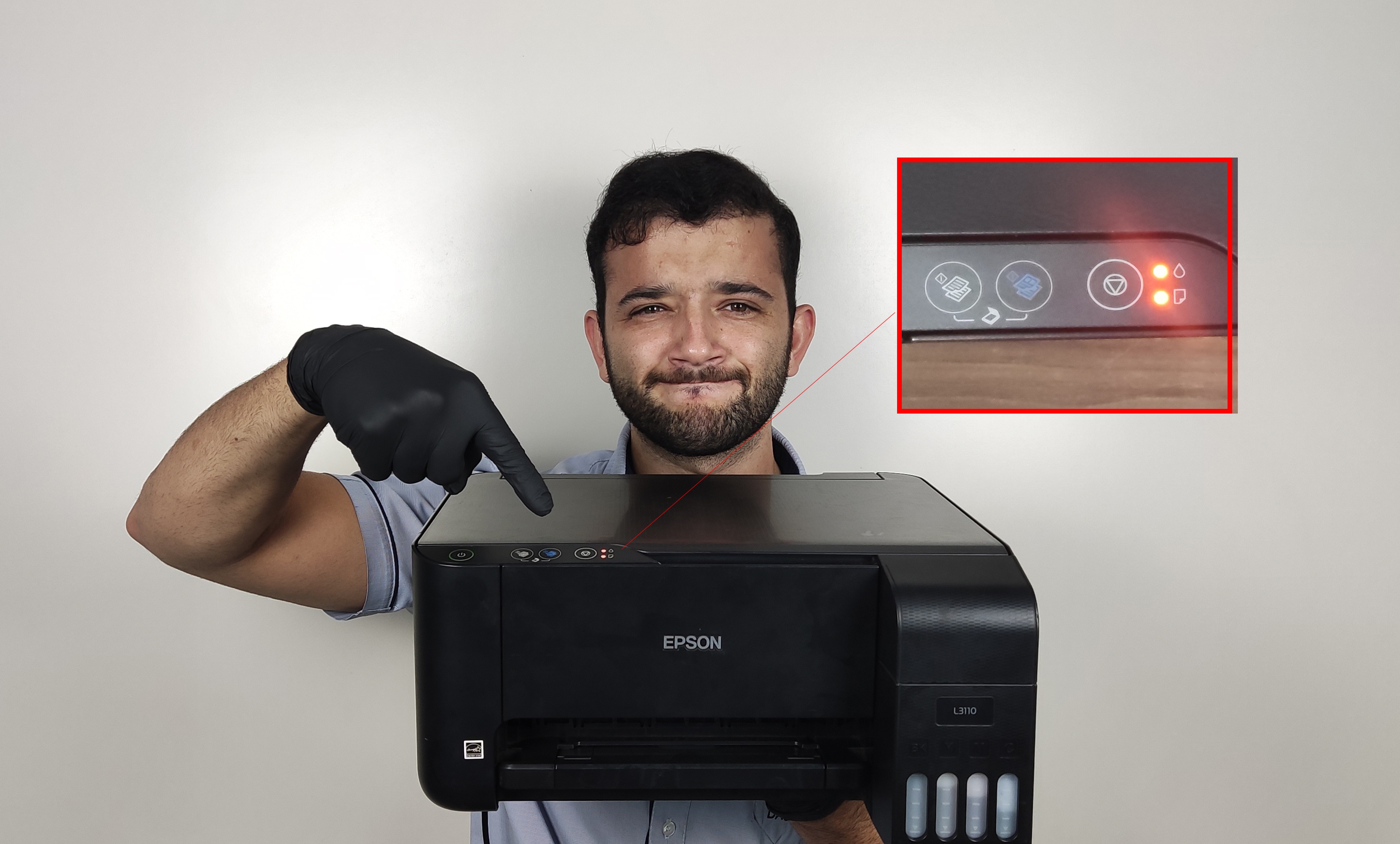
The Epson L4260 Reset is recommended for anyone who needs to perform the reset procedure on the Epson EcoTank L4260 printer in a guided, practical, and safe manner. This product is not a full maintenance course. It includes a video lesson explaining the reset step by step, access to lifetime reset software, and PrinterHelp support if the student needs assistance during the procedure. The reset is typically needed when the printer displays messages related to the end of the ink pad service life, internal waste counter, print block, or a warning requesting maintenance. With the video lesson, the student can follow the process more clearly, understand how to use the software, and perform the reset correctly on the Epson L4260. This product is suitable for technicians, repair shops, and also users who want to reset their own printer with guidance. In addition to software access, support is available according to the product terms, primarily assisting with questions regarding installation, program usage, and procedure execution.
What's included

  • Video lesson teaching the reset procedure
  • Guidance on program installation and use
  • Step-by-step to perform the reset
  • Instructions on the ink pad counter
  • Precautions before performing the procedure
  • PrinterHelp support in case of questions
  • Lifetime access to the software according to product conditions
  • Reset software for Epson L4260

Who it's for

  • Printer technicians
  • Technical assistance centers
  • People who received an 'ink pad full' warning
  • Those who need to reset the printer's internal counter
  • Professionals who want to have the reset software available
  • Those looking for a practical solution with video lesson and support
  • Users who need to reset the Epson L4260

Frequently asked questions

What is included in the Epson L4260 Reset?

The product includes a step-by-step video lesson, lifetime reset software, and PrinterHelp support if needed.

Is this product a complete maintenance course?

No. This product is specific for resetting the Epson L4260. It is not a complete printer maintenance course.

What is the purpose of the Epson L4260 reset?

The reset is used to clear the printer's internal counter, usually related to the 'ink pad full' warning, 'end of ink pad service life', or maintenance request.

Is the software lifetime?

Yes. The product includes lifetime access to the reset software, according to the conditions informed in the product.

Do I get support if I can't do it?

Yes. The student has PrinterHelp support if they need help during the procedure, according to the product conditions.

Does this reset work for other Epson models?

This product is specific for Epson L4260. For other models, check the corresponding reset in the PrinterHelp catalog.

Do I need to understand maintenance to use it?

Not necessarily. The video lesson shows the step-by-step procedure, but it's important to follow the instructions carefully.

Is payment made through the PrinterHelp website?

No. The PrinterHelp website directs you to Kiwify's official checkout, where payment is processed securely.

Related products

Ready to move forward with this training?

Buy securely through Kiwify and get instant access.