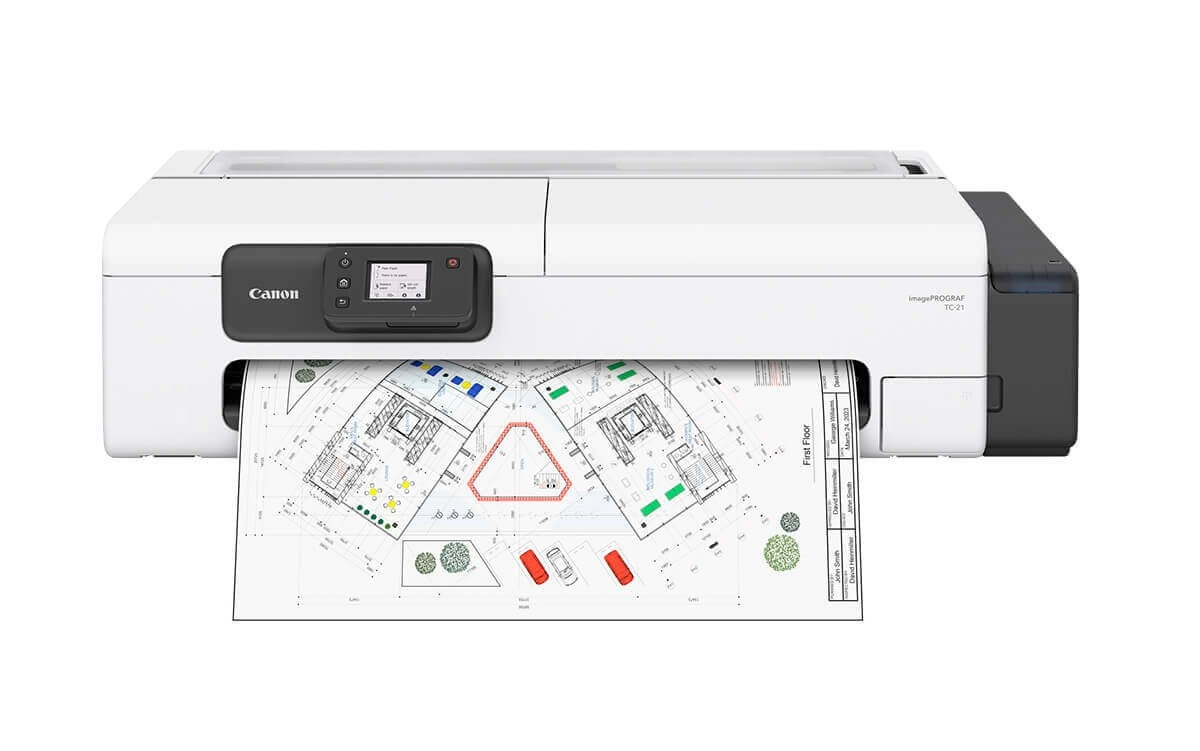
Curso de manutenção da plotter Canon imagePROGRAF TC-21 para técnicos e assistências
CursoSuporte disponívelCanonCanonTC-21imagePROGRAF24 inchesLarge formatPlotterSpecializationCertificateStudent support

Canon TC-21 Plotter Course

Models: Canon TC-21 24 inches, Canon 24-inch Plotter, Plotter for engineering, Canon large format printer, Canon TC-21, Plotter for architecture, Canon imagePROGRAF TC-21, Canon imagePROGRAF, Canon Plotter TC-21

Hands-on maintenance course for the Canon imagePROGRAF TC-21 plotter, recommended for technicians and service centers servicing large format printers.

Produto digital. O acesso é enviado por e-mail após a confirmação do pagamento. Não existe entrega física ou cobrança de frete.

Garantia de 7 dias — ver política de reembolso.

Bonus: Student access to the PrinterHelp Hub — technical forum with 6 mil+ students sharing printer questions and solutions.

Support available for students

PrinterHelp students can already request technical support for this product.

About this product

The Canon TC-21 Plotter Course was developed for technicians, service centers, and professionals looking to learn maintenance on a compact large format printer designed for professional applications. The Canon imagePROGRAF TC-21 is used in architecture and engineering firms, schools, retail stores, small offices, quick-print shops, and businesses that work with blueprints, technical drawings, posters, and larger format materials. Because it operates with roll paper, cut sheets, an ink tank system, printhead, sensors, and dedicated media feeding mechanisms, this equipment requires technical knowledge during disassembly, reassembly, and maintenance. Throughout the course, students follow content applied to the real-world workbench routine, learning about the operation of the Canon TC-21, identification of key components, preventive maintenance, cleaning, disassembly, reassembly, and troubleshooting of the most common faults. The training helps professionals understand issues related to print quality, missing or failing colors, paper feeding, roll transport, paper jams, sensors, printhead, ink system, and mechanical components. Essential precautions during technical procedures are also covered, helping students avoid damage to cables, connectors, sensors, tubes, paper mechanisms, and internal assemblies. The Canon TC-21 Plotter Course is primarily recommended for technicians who already have some background in printer maintenance and wish to expand their expertise into large format equipment. By mastering maintenance on the Canon TC-21, technicians expand the services offered at their repair shop and begin serving a more specialized market segment with equipment used by professional clients.
What's included

  • Presentation of the Canon imagePROGRAF TC-21
  • General equipment operation
  • Identification of main internal parts
  • Equipment disassembly
  • Correct assembly
  • Care during technical procedures
  • Preventive maintenance
  • Internal cleaning
  • Ink supply system
  • Hoses and components of the ink system
  • Printhead
  • Sensors and internal components
  • Roll feeding system
  • Cut sheet feeding
  • Paper transport and output
  • Paper transport and output
  • Diagnosis of printing failures
  • Absence or failure of colors
  • Printing with lines or smudges
  • Print quality issues
  • Media feeding failures
  • Jams and misfeeds
  • Traction problems
  • Care with cables and connectors
  • Analysis of mechanical failures
  • Practical guidelines for technical assistance

Who it's for

  • Technicians who want to learn Canon TC-21 maintenance
  • Technical assistance centers that service Canon printers
  • Professionals who want to learn plotter maintenance
  • Technicians who service architects and engineers
  • Assistance centers that service schools and offices
  • Professionals who work with large format printersTechnicians who want to expand the equipment they service
  • Professionals who already have some basic maintenance knowledge
  • Assistance centers that want to enter the plotter segment
  • Those seeking practical knowledge applied to the workbench

Frequently asked questions

Which model is taught in this course?

The course is specifically focused on the Canon imagePROGRAF TC-21 plotter.

Is the Canon TC-21 a plotter?

Yes. The Canon imagePROGRAF TC-21 is a large format printer used for technical projects, posters, and other professional materials.

What is the printing width of the Canon TC-21?

The Canon TC-21 belongs to the category of 24-inch large format printers.

Is this course suitable for beginners?

The course can help evolving technicians, but it is especially suitable for professionals who already have some basic knowledge of printer maintenance.

Does the course teach disassembly and assembly?

Yes. The training covers disassembly, assembly, preventive maintenance, cleaning, and identification of the main internal components.

Does the course cover roll feeding?

Yes. The content includes guidelines related to the roll paper feeding, transport, and output system.

Does the course cover printing failures?

Yes. The training includes diagnosis of color absence, lines, smudges, and other print quality issues.

Does the course cover the ink system?

Yes. The content provides guidelines related to the supply system, printhead, and internal components.

Is this course useful for those who service architects and engineers?

Yes. The Canon TC-21 is used in architecture and engineering offices and other environments that work with blueprints and technical projects.

Does the course have a certificate?

Yes, according to the product and PrinterHelp platform conditions.

Do students have support?

Yes. PrinterHelp students have support according to the conditions of the purchased product.

You may also like

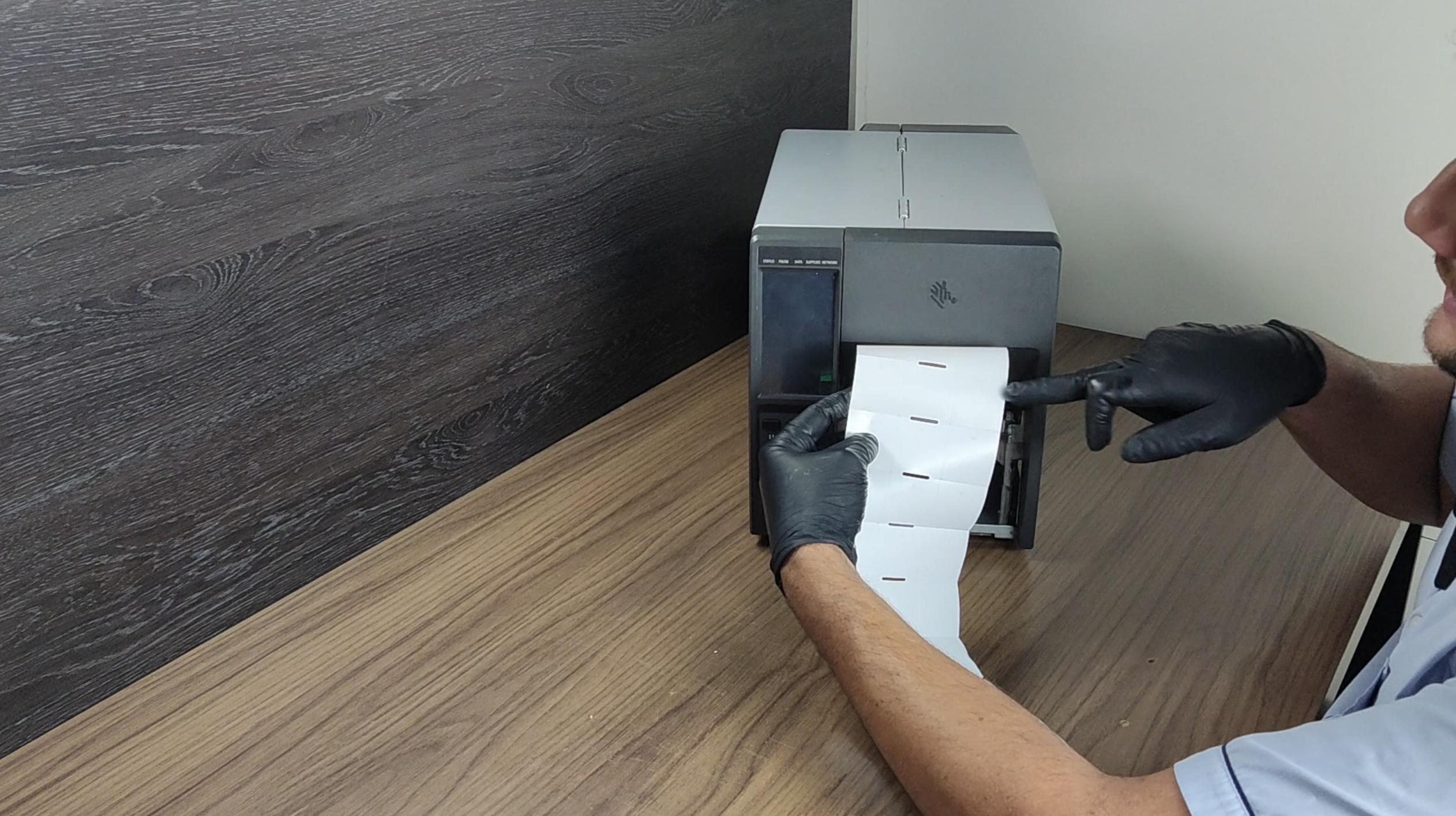
Curso Impressoras Zebra ZD e ZT para manutenção de etiquetadoras térmicas
AvailableCurso
-41%
ZebraZD

Zebra ZD and ZT Printer Course

Hands-on maintenance course for Zebra printers and label printers from the ZD and ZT lines, recommended for technicians and repair shops servicing commercial and industrial thermal equipment.

R$ 389,00
R$ 229,90
≈ $42.53 (charged in Brazilian reais)
View details
Reset Canon Séries (G3111 - G3110 - G4110 - G4111)
AvailableReset
-50%
ResetCanon

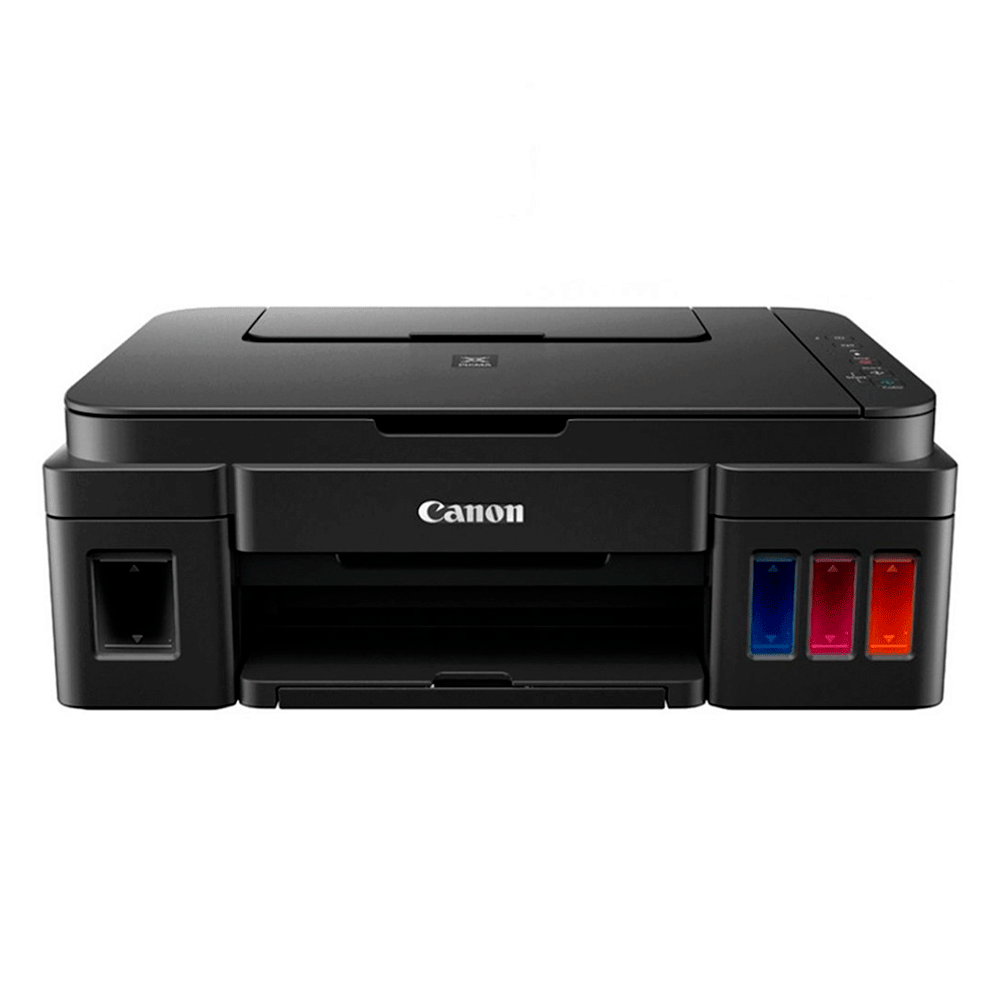
Reset Canon Series (G3111 - G3110 - G4110 - G4111)

Reset Canon G3111, G3110, G4110 and G4111 with step-by-step video lesson, lifetime software and PrinterHelp support if needed during the procedure.

R$ 50,00
R$ 25,00
≈ $4.63 (charged in Brazilian reais)
View details
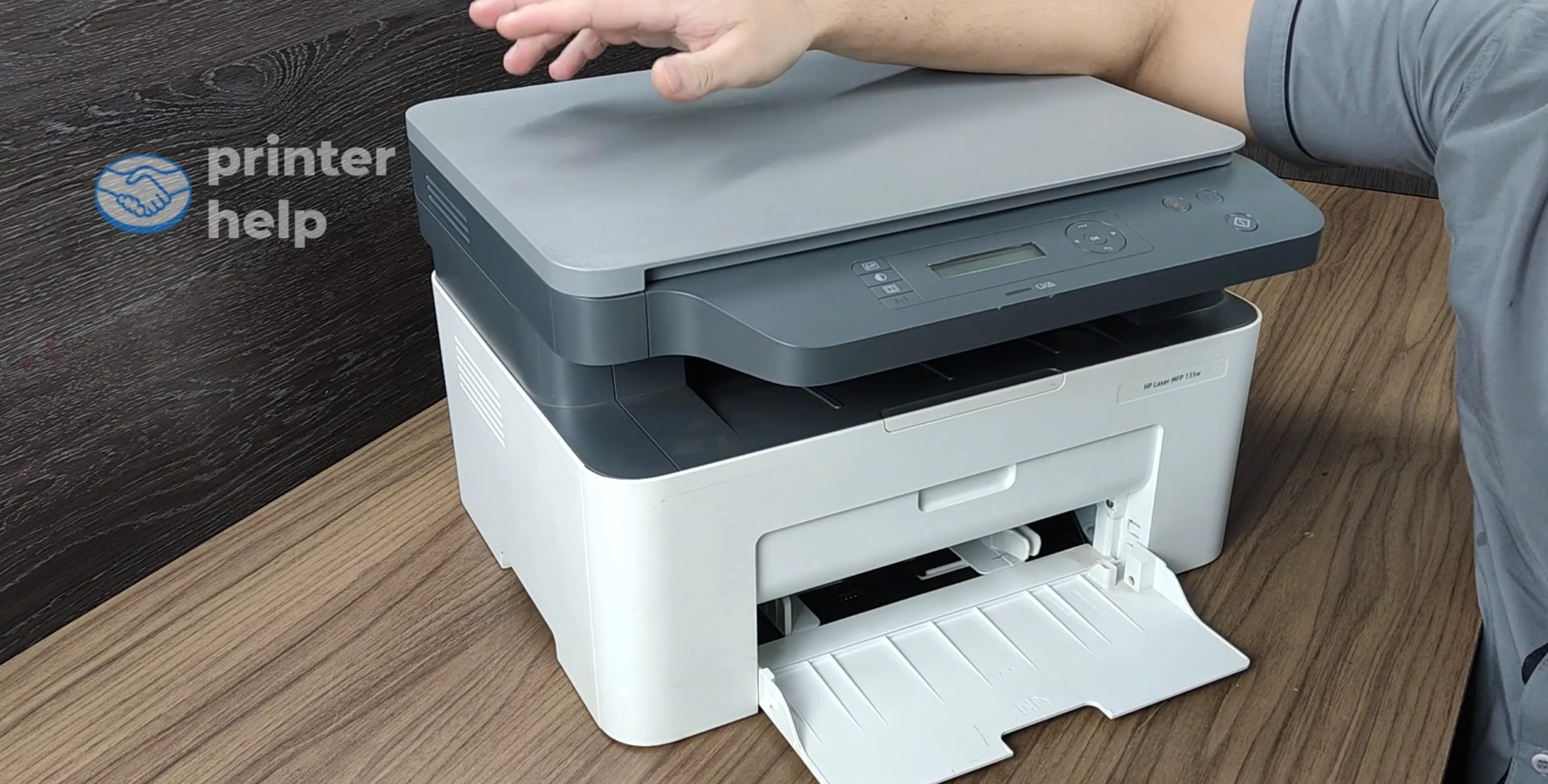
Combo Curso Brother Laser para manutenção de impressoras Brother Laser preto e branco
AvailableCurso
-65%
BrotherLaser B&W

Brother Laser Course Combo

Course bundle to learn monochrome Brother Laser printer repair and maintenance, recommended for beginner technicians, professionals looking to specialize, and repair shops.

R$ 665,00
R$ 229,90
≈ $42.53 (charged in Brazilian reais)
View details
Combo Curso HP Laser para manutenção de impressoras HP Laser preto e branco
AvailableCurso
-57%
HPLaser B&W

HP Laser Bundle

Course bundle to learn black-and-white HP Laser printer maintenance, designed for beginner technicians, professionals looking to specialize, and repair shops.

R$ 532,00
R$ 229,90
≈ $42.53 (charged in Brazilian reais)
View details
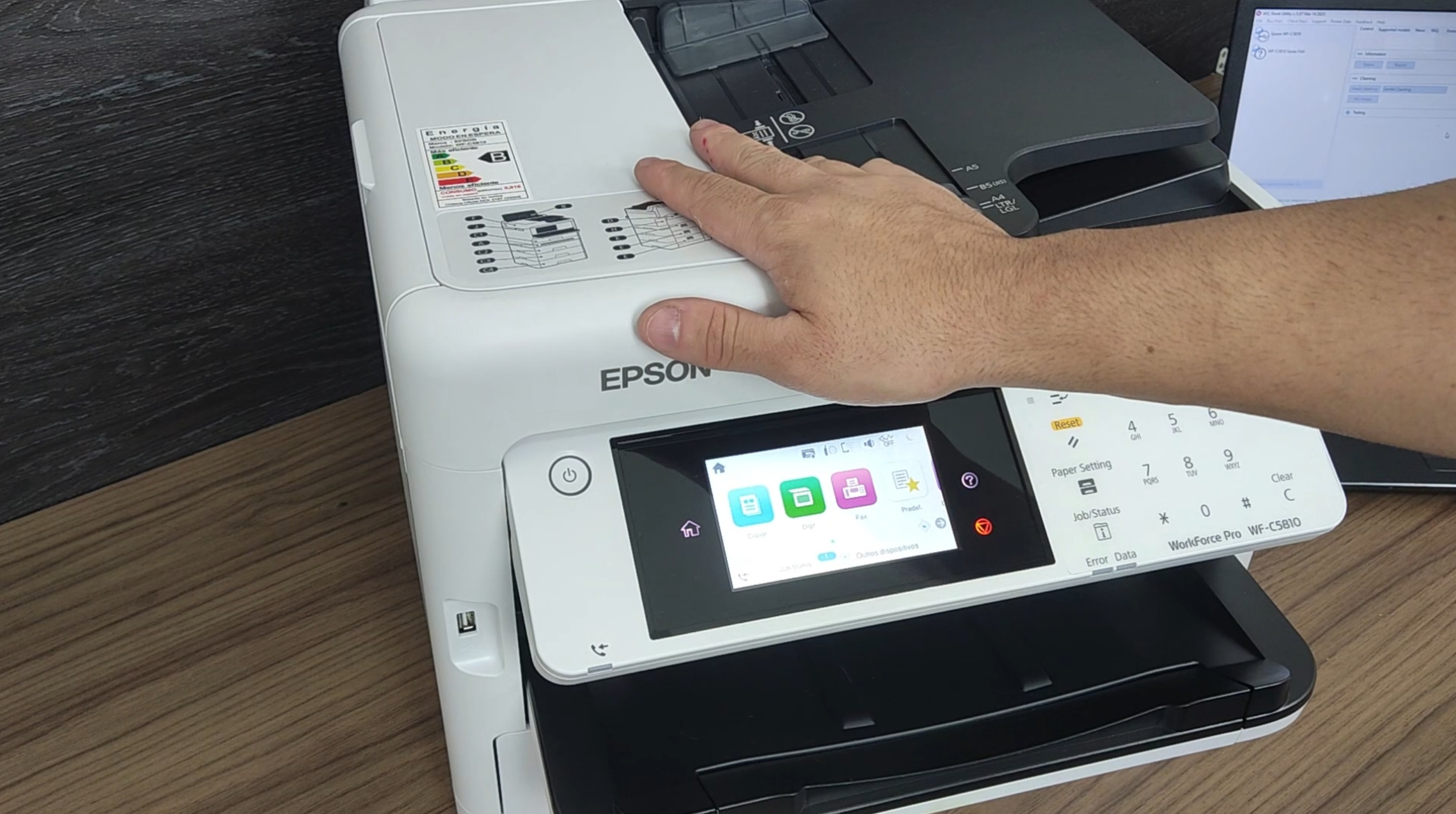
Curso Epson WF-C5790 para manutenção de impressora corporativa WorkForce Pro
AvailableCurso
-35%
EpsonWF-C5790

Epson WF-C5790 Course

Hands-on maintenance course for the Epson WorkForce Pro WF-C5790, recommended for technicians and repair shops servicing corporate inkjet printers.

R$ 289,00
R$ 189,00
≈ $34.96 (charged in Brazilian reais)
View details
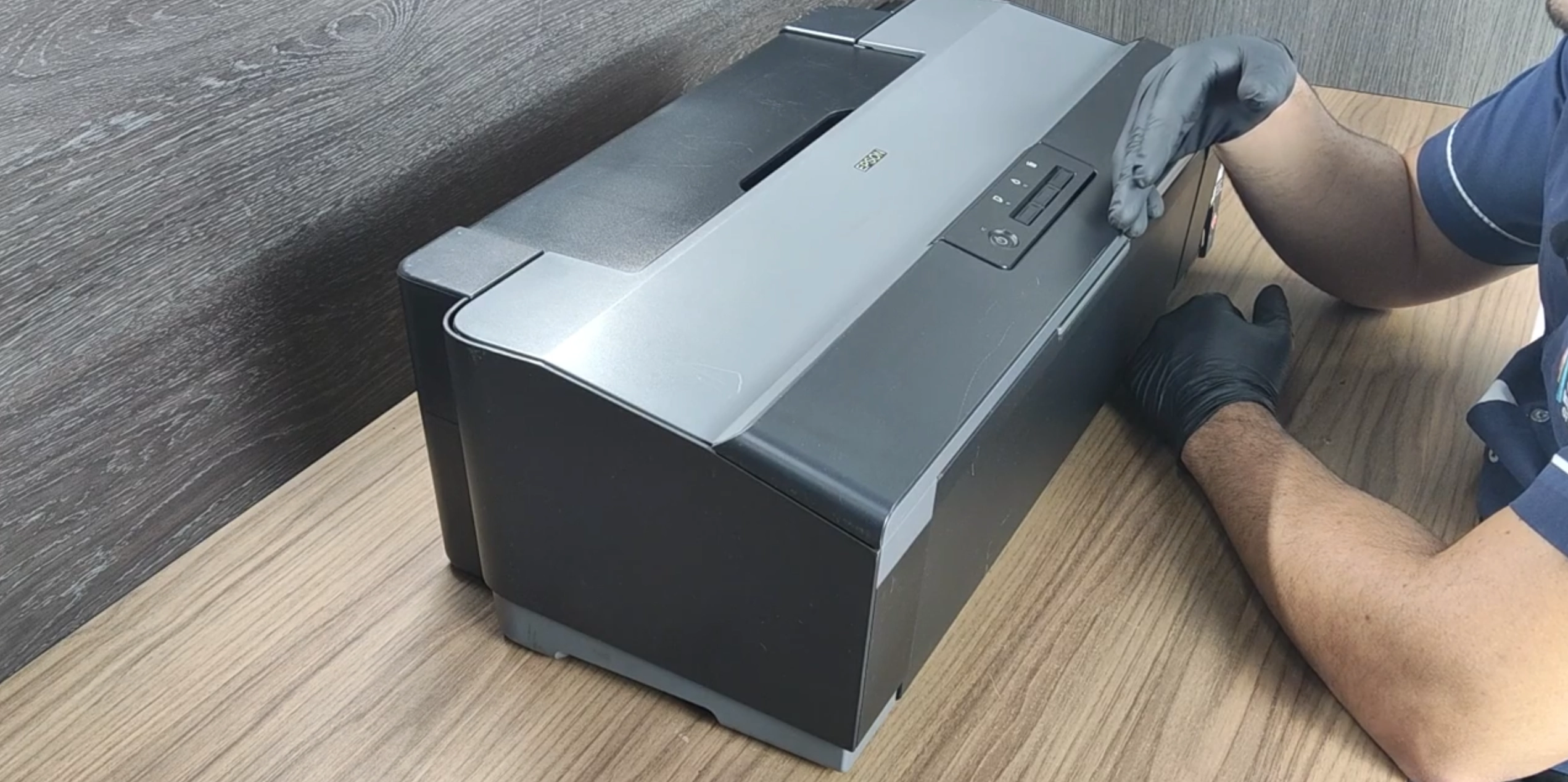
Curso Epson A3 L1300 e L1800 para manutenção de impressoras Epson de grande formato
AvailableCurso
-24%
EpsonA3

Epson A3 L1300 and L1800 Course

Hands-on maintenance course for Epson A3 L1300 and L1800 printers, recommended for technicians, service centers, and professionals looking to specialize in wide-format Epson models.

R$ 189,00
R$ 143,00
≈ $26.46 (charged in Brazilian reais)
View details

Need help with this product?