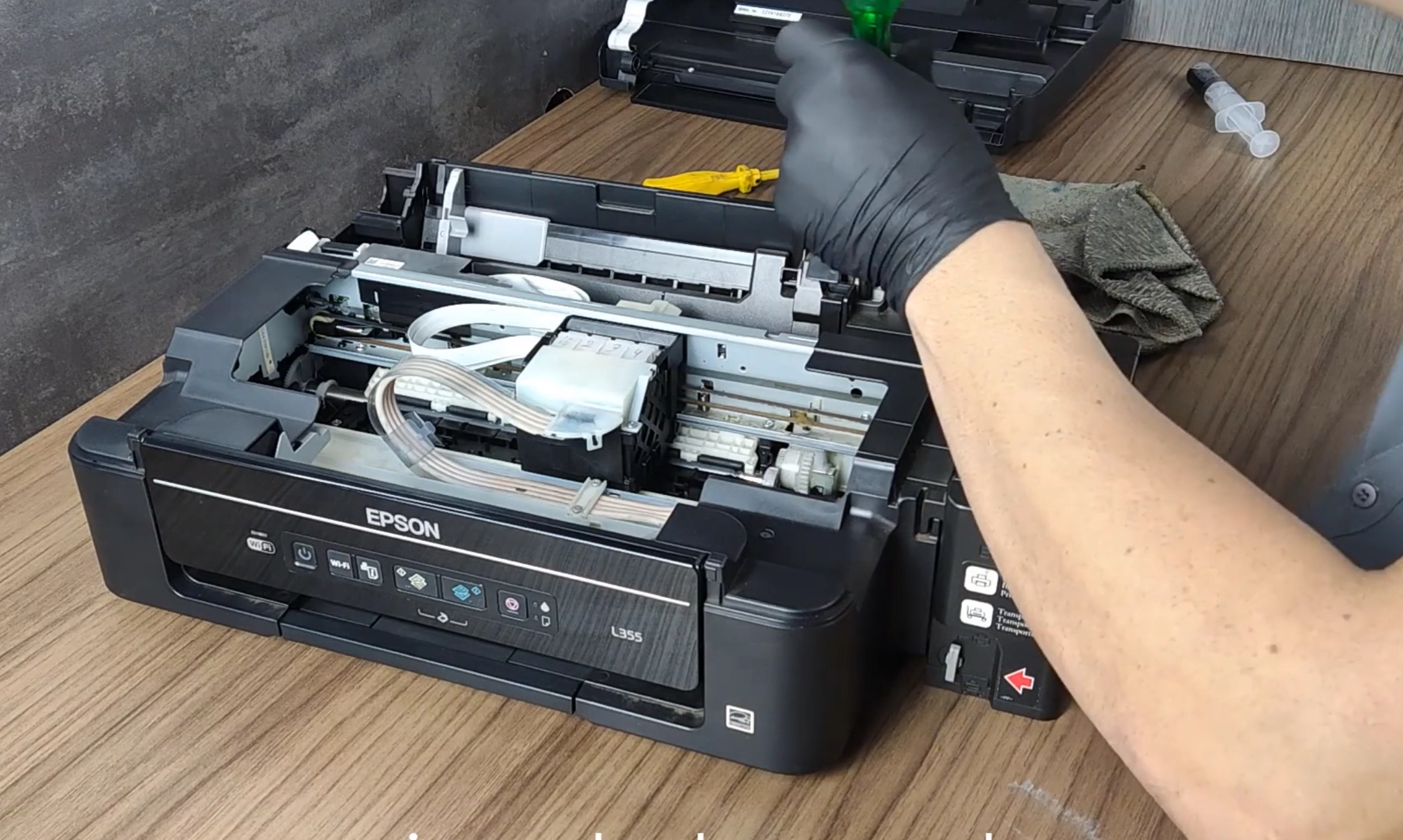
Imagem do Curso Epson Série 300 e 400 para manutenção de impressoras Epson EcoTank Deal
CursoDisponívelEpsonEpsonEcoTankSeries 300Series 400Beginner technicianSpecializationRecommendedStudent support

Epson 300 and 400 Series Course

Models: Epson EcoTank A3, Epson EcoTank L400 Series, Epson EcoTank L300 Series, Epson EcoTank L200 Series, Epson L220, Epson L210, Epson L455, Epson L395, Epson L475, Epson L365, Epson L396, Epson A3, Epson L380, Epson L495, Epson L355, Epson L375

Complete maintenance course for Epson EcoTank L200, L300, and L400 series printers, recommended for technicians and repair shops wanting to learn models like L210, L355, L365, L380, L395, L495, and similar.

R$ 159,00
R$ 133,00
oferta≈ $24.61 (charged in Brazilian reais)

Produto digital. O acesso é enviado por e-mail após a confirmação do pagamento. Não existe entrega física ou cobrança de frete.

Garantia de 7 dias — ver política de reembolso.

Bonus: Student access to the PrinterHelp Hub — technical forum with 6 mil+ students sharing printer questions and solutions.

About this product

The Epson 300 and 400 Series Course was developed for technicians, repair shops, and professionals who want to learn maintenance on Epson EcoTank L200, L300, and L400 series printers. This training is focused on models widely found in the market, such as Epson L210, L355, L365, L380, L395, L495, and other similar equipment from the Epson EcoTank line. Epson printers from these series are very common in homes, offices, businesses, schools, small print shops, craft studios, and service centers. Therefore, mastering the maintenance of these models is a great opportunity for anyone working or looking to work in printer repair. In the course, students learn content tailored to the real routine of technical assistance, focusing on operation, disassembly, assembly, preventive maintenance, identification of common faults, print defects, paper jams, feeding issues, blinking lights, and solutions applied to Epson EcoTank models. The Epson 300 and 400 Series Course is suitable for both beginner technicians and professionals already working in the field who want to strengthen their foundation in Epson printers. It is also an excellent option for repair shops looking to expand or standardize their service on these models. The goal of the course is to help students better understand how Epson EcoTank printers work, diagnose defects with greater confidence, and carry out practical repairs with more assurance on a daily basis.
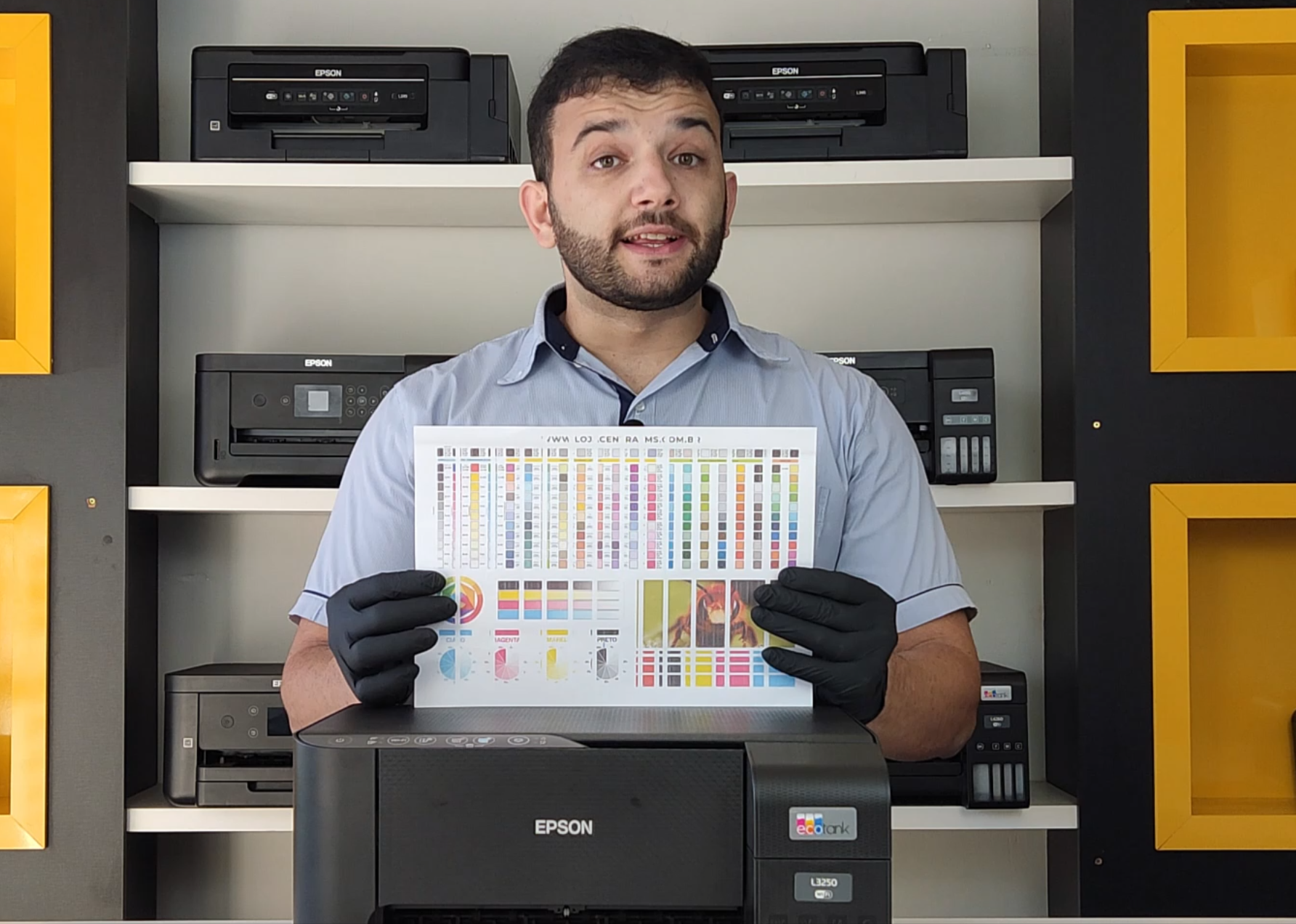
What's included

  • Epson EcoTank printer maintenance
  • Study of Epson L200, L300, and L400 series
  • Basic equipment operation
  • Disassembly and assembly
  • Preventive maintenance
  • Identification of common defects
  • Solutions for printing failures
  • Solutions for printer failing colors
  • Paper feeding and traction problems
  • Paper jamming and clogging
  • Flashing lights and common alerts
  • Internal care during maintenance
  • Technical guidelines for assistance
  • Content focused on Epson models used in homes, businesses, and technical assistance centers

Who it's for

  • Beginner technicians who want to learn maintenance on Epson EcoTank
  • Technicians who are already working and want to reinforce their knowledge in Epson
  • Technical assistance centers that service Epson L Series models
  • Professionals who want to learn L200, L300, and L400 models
  • People who wish to enter the printer maintenance business
  • Technicians who service homes, offices, schools, and businesses
  • Those looking for a practical course on Epson EcoTank printers
  • Professionals who want to expand the models serviced in their assistance center

Frequently asked questions

Which models are covered in this course?

The course is aimed at Epson EcoTank printers from the L200, L300, and L400 series, including models such as L210, L355, L365, L380, L395, L495, and similar.

Is this course suitable for beginners?

Yes. The Epson 300 and 400 Series Course is suitable for beginner technicians and also for professionals who already work with printer maintenance and want to reinforce their Epson foundation.

Is this course useful for technical assistance?

Yes. The content is geared towards practical application in technical assistance, focusing on maintenance, disassembly, assembly, prevention, and diagnosis of common defects.

Does the course teach practical maintenance?

Yes. The course focuses on practical maintenance, fault identification, internal care, disassembly, assembly, and solutions applied to Epson EcoTank models.

Does this course cover printing failures?

Yes. The course covers common defects in Epson printers, including printing failures, quality problems, paper jams, paper feeding, and equipment alerts.

Does the course offer a certificate?

Yes, according to the product and PrinterHelp platform conditions.

Is payment made through the PrinterHelp website?

No. The PrinterHelp website directs you to Kiwify's official checkout, where payment is processed securely.

Do students have support?

Yes. PrinterHelp students have support according to the conditions of the purchased product.

Related products

Ready to move forward with this training?

Buy securely through Kiwify and get instant access.